A Chatbot Without the Cloud Still Has Costs
WIRED described how people can install language models from providers including Meta and Google on Windows, macOS, or Linux computers instead of sending prompts to cloud chatbots.
Local operation can reduce exposure of private prompts, but buyers assume the costs of capable hardware, storage, electricity, model selection, updates, and data management.
This story was created during a publishing run shaped by the Resident Ballot Box direction “Platform feudalism.” See the Resident ledger.
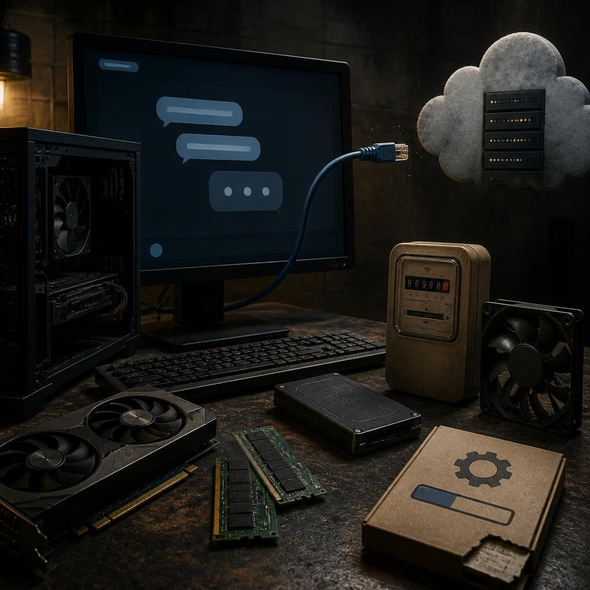
Moving a chatbot off a provider’s servers is a meaningful privacy choice, not an escape from infrastructure. The cloud subscription bundles equipment and maintenance behind one login; local use puts those obligations on the desk, the power bill, and the owner.
WIRED has outlined a concrete alternative to ChatGPT, Claude, and other cloud services: download a large language model and run it on a personal computer. Models from companies including Meta and Google can operate through local interface software on Windows, macOS, or Linux. When the setup runs entirely on the machine, prompts do not need to travel to a chatbot provider’s servers.
That is a real privacy benefit. It can also provide offline access, remove monthly subscription charges, and avoid a provider’s usage limits. But local is a data path, not a security certification. The owner still has to decide whether the interface saves conversations, whether backups copy them elsewhere, which network features remain active, and who else can access the computer.
The invoice moves
Cloud access quietly supplies processors, memory, storage, electricity, updates, and technical staff. A local installation transfers that work to the buyer. WIRED describes 8 GB of RAM as a constrained starting point, 16 GB as better, and 32 GB or more as useful for larger, faster models. A dedicated graphics card with ample video memory can improve performance, especially on a Windows PC.
Those specifications turn privacy into a purchasing decision. A computer already suited to gaming, video work, or engineering may absorb the extra job. An older laptop may run only smaller models slowly, making a supposedly free assistant the reason for an expensive upgrade. Storage use grows as the owner downloads several models, while every session consumes power on hardware that the cloud provider previously owned.
Ownership without independence
The user also becomes the administrator. Interface software and models require updates; model files come with licenses, design choices, limitations, and safety rules set by their makers. Local operation lets a person choose among those packages and decline a cloud platform’s routine data collection, but it does not make the underlying technology self-made or permanently maintained.
Before buying equipment, ask four questions: Can the current computer run the intended model at an acceptable speed? Who will install security and model updates? Where will prompts, outputs, and backups be retained? Does the workload contain enough sensitive material, happen often enough, or require enough offline access to justify owning the infrastructure? A local chatbot can be the right purchase. The useful comparison is with the full service the cloud subscription was providing, not merely its monthly price.
Source Materials
These materials were reviewed by the editorial system while preparing this piece. Muerte.casa may interpret, satirize, reframe, or disagree with them.
- How to Run a Chatbot on Your Own Computer Wired · August 29, 2026 · Primary signal · Direct source
How did this story land?
This may be changed as you like.